The screens
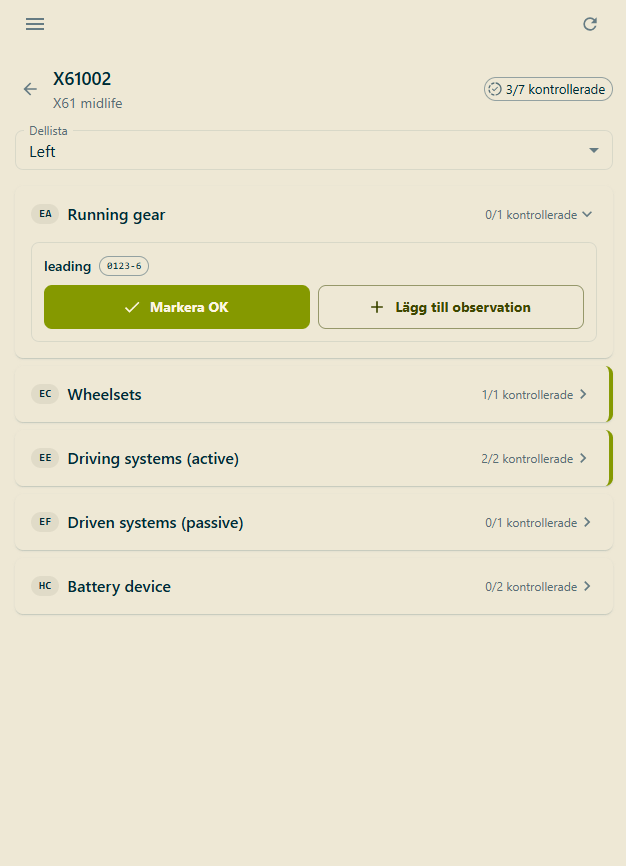
Inspection — product groups with their OK counts, and per-slot actions
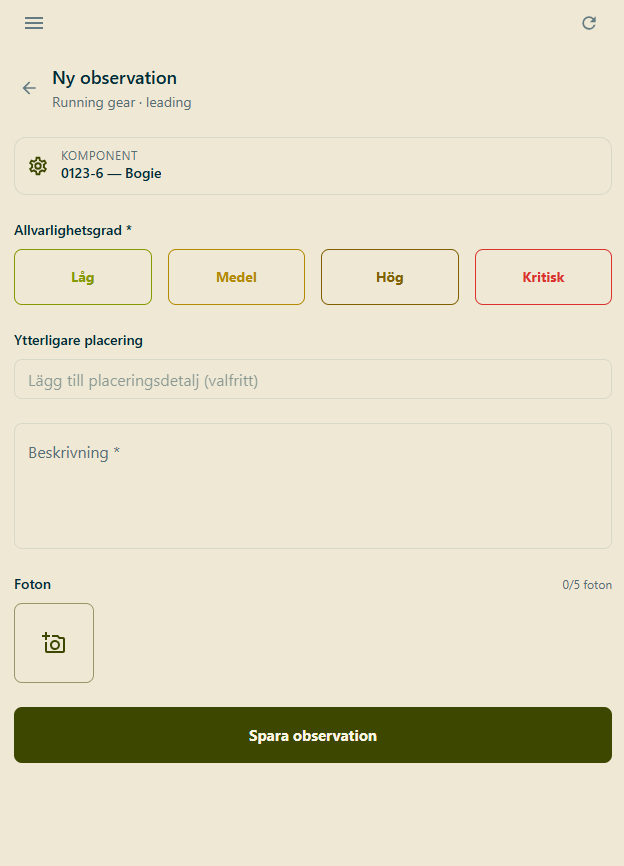
Ny observation — severity, placement, description and photos
Working offline
Reference data — vehicles, templates and checklist items — is cached when you sign in and refreshed periodically while online. Everything you record is stored on the device first and queued for upload. When connectivity returns the queue drains in order: findings, then OK marks, then photos. Photos wait for their finding to arrive at the server first, so a partial sync never orphans an image.Nothing is silently dropped. A failed upload is retried rather than discarded, attempts
accumulate against the record, and the Sync screen surfaces anything that has retried too many
times so it can be dealt with.Every finding and OK mark carries a device-generated identifier, which makes replaying a
queued upload safe — if the server already has that identifier it returns the existing record
instead of creating a duplicate.
What you record
The app follows the exceptions-only model described on Inspections:- A finding is something wrong, with a severity of low, medium, high or critical.
- An OK mark says an item was checked and was fine.